J’ai terminé le programme Explore deux fois. Il est temps de "level up" !

Month: February 2026

Weekly Reflection

This week we attended the webinar put on by Focused Education Resources for the District wide Pro-D day. I attended two zoom sessions in the morning. One was on Twig and ClickView. It was presented by Mike Silverton. I also attended the session by Lisa Read in which she presented KnowBC.com, ProQuest and Gale in Context. I will be reporting on the first session on ClickView and Twig in this post.

Click View is almost like a streaming service. It includes a wide array of educational videos organized by topic. It also offers supplementary resources for teachers to use with students. Teachers can print, save or share these resources with their students by giving them their own access to the website. It is a paid service for those who are not employed at a school but educators affiliated with a school have access this resource. There are both short films approximately 3 minutes long and full length features available on a variety of topics. Films have a transcript so teachers can pick out relevant clips. Resources in ClickView include multiple choice questions, info sheets, and lesson plans. This is definitely something new Teachers will want to have in their arsenal.

Twig includes units on different subjects including Biology, Chemistry, Earth Science, Human Geography and Math. It is one of the few resources out there that offers educational films to teach Math. The videos are high quality and recent. Accompanying resources are designed so the film can be paused to complete worksheets at different stages.

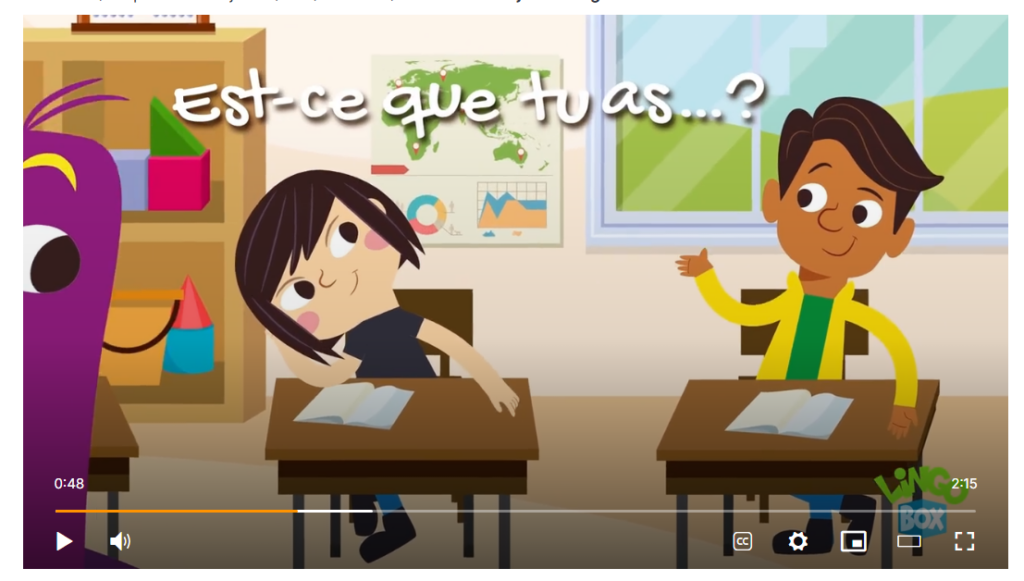
These and other great tools can be found at the focused resources website. I checked out the French resources and unfortunately they were quite low level! Still, for primary these would be very useful indeed.
Weekly Reflection

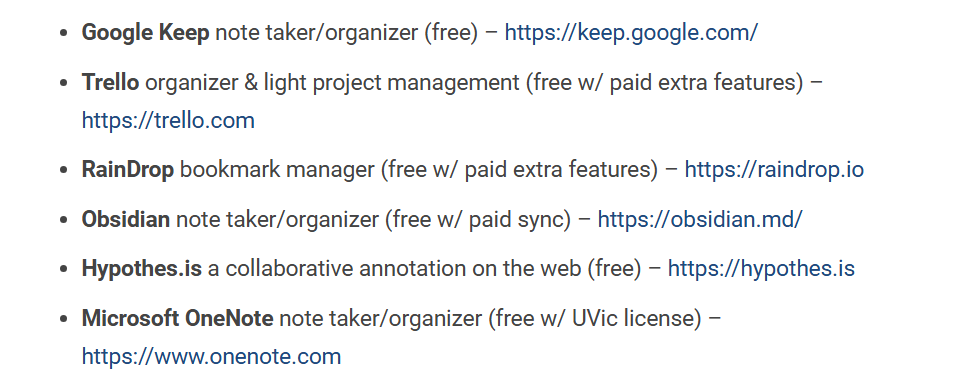
This week the topic was Creating and Curating Digital Resources and we were invited to explore various tools that could be used in lieu of pen and paper to organize lesson plans, tools and learning objects such as websites or articles. There are a lot of resources out there! Below are some of the ones we were encouraged to investigate:

I checked out Hypothes.is which is a resource that is applicable to post secondary and potentially secondary settings. It allows users to make annotations in the margins of shared documents. This is a good tool to use to check student participation and engagement because students can leave comments (annotate) while they are reading. I also like that it is unaffiliated with google because I like to use alternatives to supporting billion dollar corporations when possible.

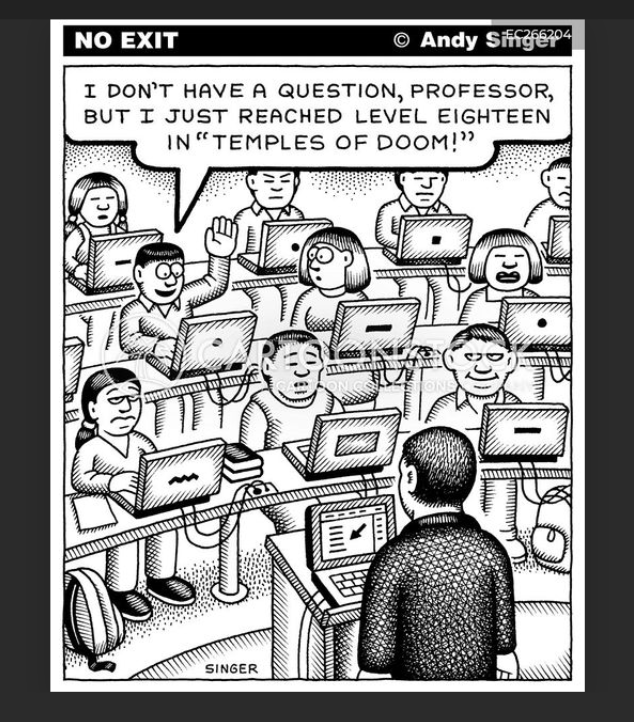
Having worked in post-secondary I have some familiarity with Google classroom. It certainly has advantages however working in classrooms where each student is on a laptop has some drawbacks. For example, who is checking if students are using their devices to get work done or not? Also, when I am working on my computer at home, I tend to get easily distracted by social media and streaming services. I find it takes a great deal of effort to avoid these time-wasters and usually find the amount of time I spend on the computer is divided many times because I often myself visiting sites that are not relevant to what I am trying to get accomplished.

I think using tools like Hypothes.is or Google classroom can give an aura of professionalism to a new teacher and be effective for many students so they are worth using. I hope teachers using Google classroom supplement that tool with hands on teaching to cover any gaps for students who might be struggling to find assignments in the technology for example. Unfortunately I have had the experience of seeing a teacher rely completely on software so students in his class enjoyed only a minimum of interaction with their teacher to the point that a student who asked the teacher to print something for him was responded to with an irritated, “it’s on Google classroom!”

I also checked out Microsoft OneNote and watched some of this introductory video. It looks like a tool that could be potentially helpful to manage a busy schedule. I am used to using Microsoft Word and e-mail, Google docs, Canva and PowerPoint. The layout of Microsoft One Note makes it seem like a binder so I guess it is more user friendly. However, I think that having one page for each meeting/class with notes in a Word program is similar to what is being offered in Microsoft One Note. Still, it is useful to be aware of these tools as they might be useful down the road.

© 2026 Emma Learns French

Theme by Anders NorenUp ↑